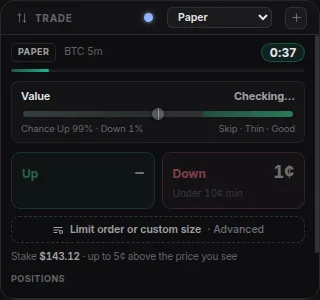
Trade
Buy Up or Down in one click, or draw a line order that buys the moment price breaks it. Limit orders in Advanced order. Open up to four, one per account.
AultraCharts is built from modules. Add the ones you want, drag them where you like and save the layout. Here is what each one does.
Place bets and keep an eye on your money.
Buy Up or Down in one click, or draw a line order that buys the moment price breaks it. Limit orders in Advanced order. Open up to four, one per account.
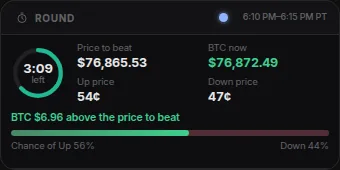
The live five-minute round: time left, the price to beat and where Bitcoin is right now.
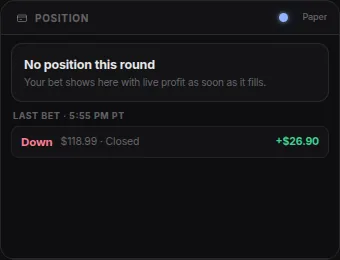
Your bet in this round, and what you make if it wins.
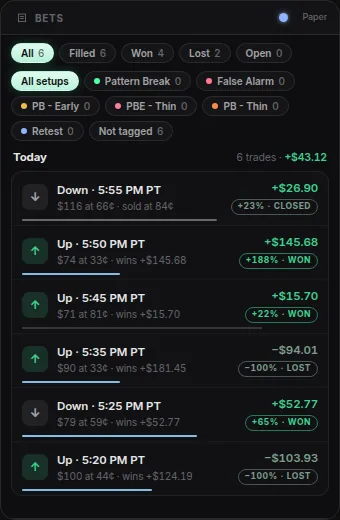
Every bet you have placed, with wins, losses and the tags you add.
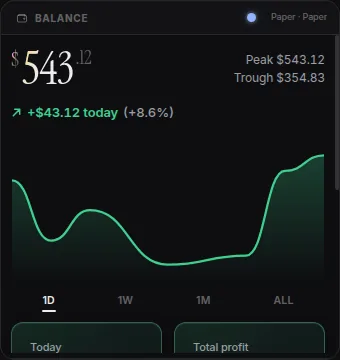
Your balance over time, with today's gain and your daily limits.
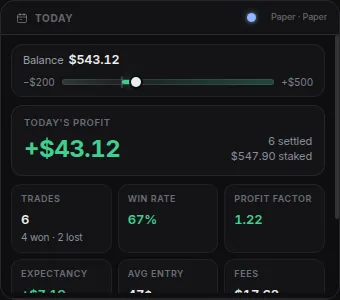
Today at a glance: profit, win rate and how many trades you made.
What is happening on Polymarket right now.
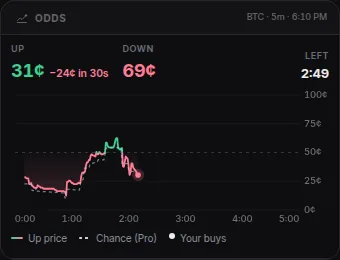
The live price of Up and Down, and how it has moved this round.
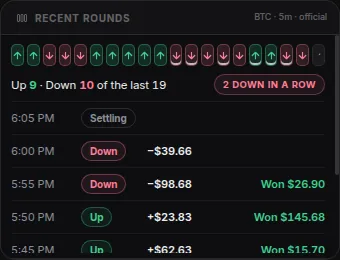
Which side won the last rounds, and how your bets did.
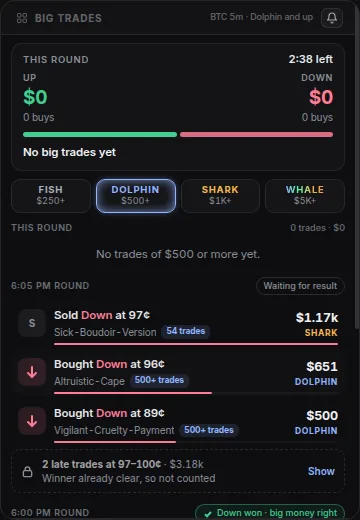
Large bets other traders are placing right now, from small fish to whales.
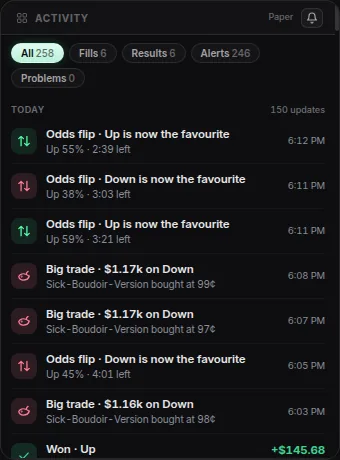
A running feed of your trades, results and alerts.
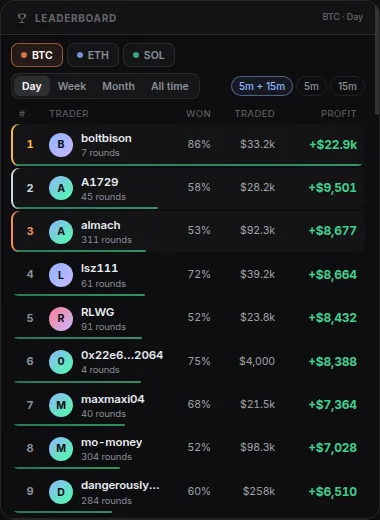
The top Polymarket traders today, this week or this month.
Bitcoin price charts you can draw on.
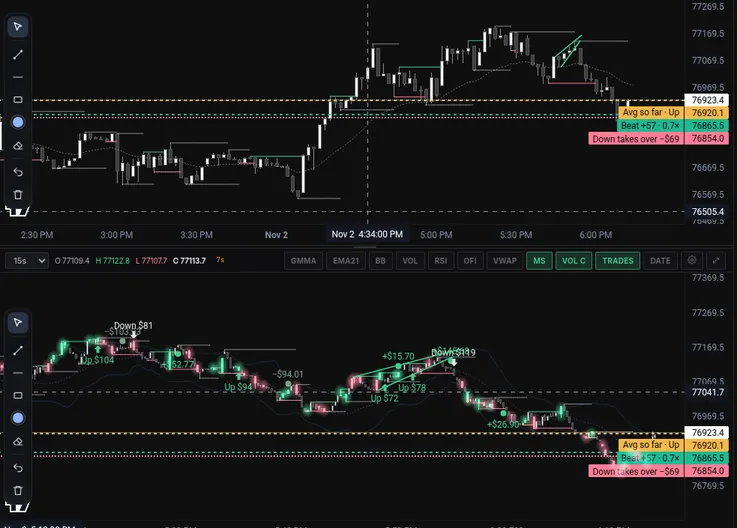
Up to six Bitcoin charts in the layout you choose, with drawing tools, indicators, line orders and your trades on the candles.
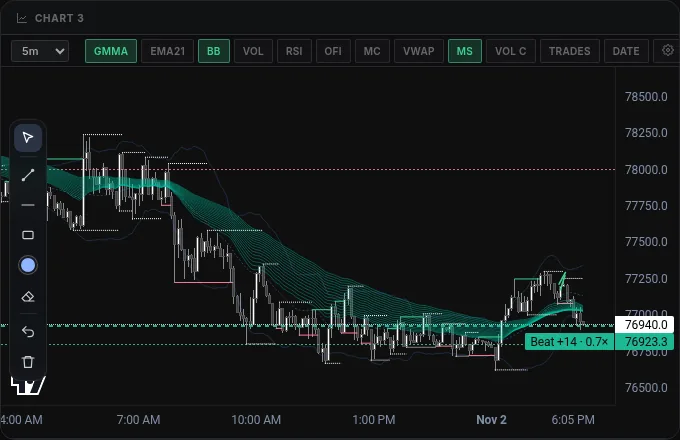
Add up to three more charts, each with its own time frame.
Who is buying, who is selling and how easily the price can move.
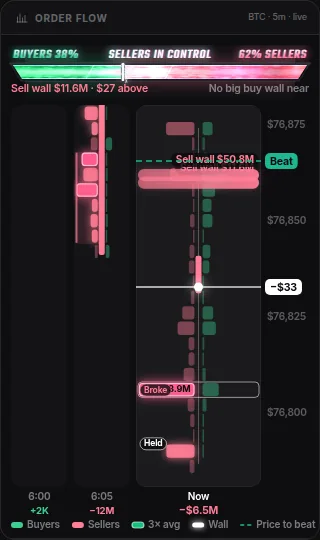
Shows whether buyers or sellers are pushing harder, minute by minute.
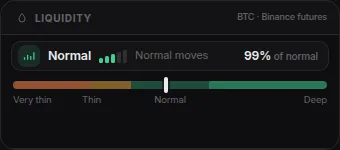
How easily the price can move right now, from thin to deep.
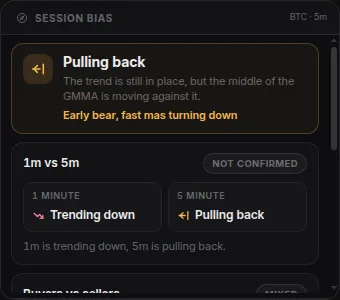
Which side has been in control today, in one line.
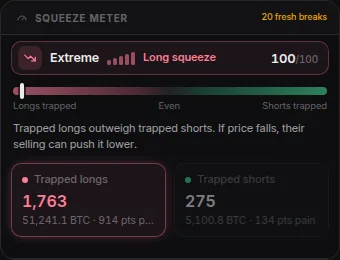
Spots when traders on one side are stuck and could be forced out, which can push the price.
Traders being forced out of their positions on big exchanges, as it happens.
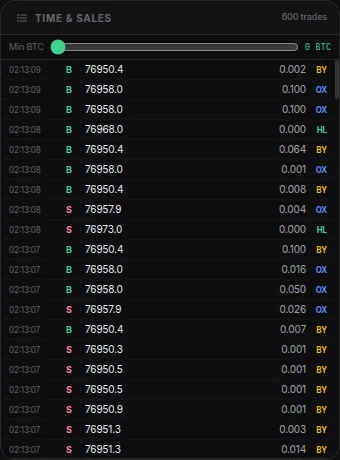
Every Bitcoin trade as it happens, with its size and direction.
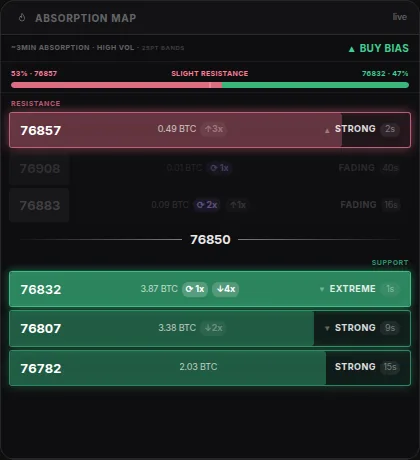
Price levels where big orders keep stopping the move.
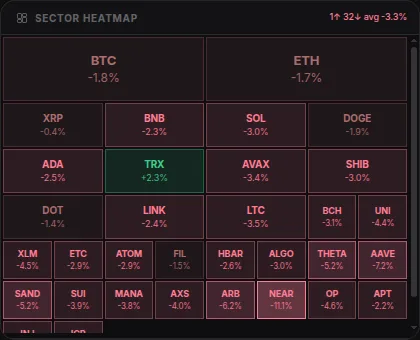
How other coins are doing at a glance: green is up, pink is down.
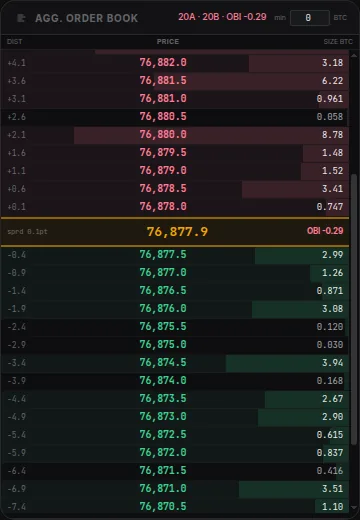
Waiting buy and sell orders from several exchanges, combined into one list.
Stay in one window while you wait for the next round.
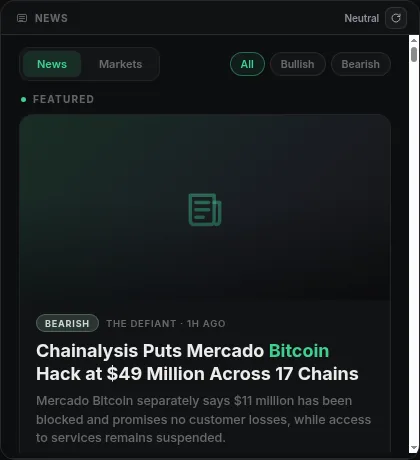
Crypto headlines marked bullish or bearish, plus a quick read on the market's mood.
Keep your Discord or Telegram open beside your charts.
Watch YouTube between rounds.
A full web browser with tabs, right inside your trading desk. Research, socials or your favorite streams, without switching windows.
Chat, YouTube and Browser are in the Windows and Mac app only. Screens show illustrative data.